Claude Computer Use: After Eyes, Hands — Anthropic Gives Your AI Agent Full Control of Your Mac
Claude Computer Use lets Claude physically control your Mac: open apps, browse, click, type. Research preview in Cowork and Claude Code, macOS only.
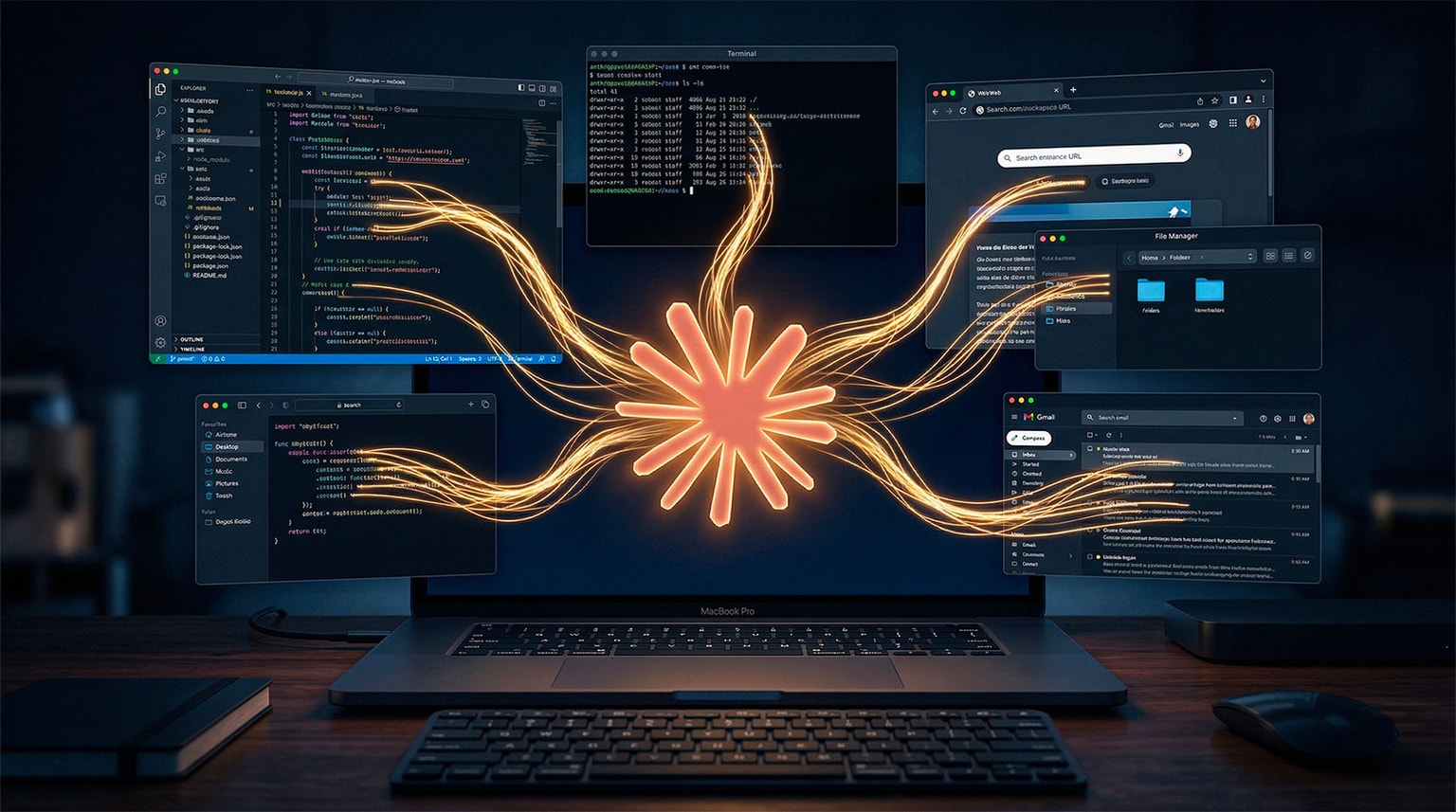
On March 17, Claude Dispatch gave Claude eyes on your Mac. On March 23, it got hands. Claude Computer Use now lets Claude physically control your machine — open apps, browse Chrome, fill spreadsheets, click, type. Everything you'd do sitting at your desk. Available in research preview inside Claude Cowork and Claude Code, macOS only.
From Cowork to Computer Use: The 3-Act Progression
Anthropic is building its vision in layers, each step adding a new capability on top of the last.
January 13, 2026 — Claude Cowork. Claude executes tasks on Mac through a graphical interface and Connectors (Gmail, Slack, Calendar, Drive). The app, entirely coded by Claude in 10 days, targets non-developers.
March 17, 2026 — Claude Dispatch. You control Claude from your phone. Your Mac works while you're somewhere else. Claude sees your screen, your files, your tools — but can only observe and use Connectors.
March 23, 2026 — Claude Computer Use. Claude no longer just watches. It acts. Open Keynote, export a PDF, batch-resize images, spin up a dev server — it natively controls the applications on your Mac.
The metaphor is clear: Cowork gave it a desk. Dispatch gave it eyes. Computer Use gives it hands.
How It Works: 3 Priority Layers
Claude doesn't rush into your apps. It follows a strict execution hierarchy, designed to maximize reliability and minimize risk.
1. Connectors first (high priority). If Gmail, Slack, Google Calendar, or Drive are connected, Claude uses them directly via API. Faster, more reliable, zero visual error risk.
2. Browser next (medium priority). If no Connector covers the task, Claude opens Chrome and navigates the web. It fills forms, clicks buttons, extracts data — just like you would.
3. Native app last (low priority). If neither Connector nor browser is sufficient, Claude asks your permission before opening the application directly on your screen. Native interface control: menus, buttons, text fields.
This hierarchy isn't a technical detail. It's a fundamental design choice. Claude always picks the safest, most reliable method before escalating to direct control.
What Claude Can Actually Do
The use cases demonstrated by Anthropic show the scope of control.
- Extract a Keynote presentation, convert it to PDF, attach it to a Calendar invite — a chain across 3 different apps, executed without intervention.
- Spin up a dev server, take screenshots, send them before a deadline — useful for developers using Claude Code in parallel.
- Batch-process photos: resize, add a watermark, export — the kind of repetitive task that takes a human 45 minutes.
- Scan emails every morning automatically — a recurring task Claude handles on its own, without you having to trigger it again.
- Pull a report every Friday — programmable, recurring, autonomous.
Combined with Dispatch, mobile control remains fully compatible. You send a mission from your phone, Claude carries it out with Computer Use on your Mac. You come back — it's done.
Security: Anthropic's Guardrails
Computer Use gives an AI agent unprecedented capabilities. Anthropic knows it — and sets clear boundaries.
- Zero passwords transmitted. Claude uses sessions already open on your Mac. It never sees your credentials.
- Permission required before any native app. Claude explicitly asks for your go-ahead before opening an application.
- Human-in-the-loop on sensitive actions. Sending an email, modifying a critical file, confirming a payment — Claude waits for your approval.
- Local context only. Your data never leaves your machine. Nothing is sent to Anthropic's servers.
Same philosophy as Dispatch: safety before speed. Human control before full autonomy.
Against the Competition: The Local-First Advantage
| Agent | Execution | Native App Control | Human Approval | Mobile Control |
|---|---|---|---|---|
| Claude Computer Use | Local (Mac) | ✅ Yes | ✅ Required | ✅ Via Dispatch |
| OpenAI Operator | Cloud | ❌ No | ⚠️ Partial | ❌ No |
| Google Gemini Agent | Cloud | ❌ No | ⚠️ Partial | ⚠️ Limited |
| Devin (Cognition) | Cloud | ❌ Dev only | ⚠️ Optional | ❌ No |
| Microsoft Copilot | Cloud + local | ⚠️ Windows only | ⚠️ Partial | ⚠️ Limited |
Anthropic's positioning is unique: local-first, human-in-the-loop, mobile control. No competitor checks all three boxes.
Availability
- OS: macOS only (no Windows announced)
- Products: Claude Cowork + Claude Code
- Plans: Pro ($15/mo) and Max ($90+/mo)
- Status: research preview
Your Idle Resources Aren't Idle Anymore
With Dispatch, your Mac sitting on your desk became a remotely controlled agent. With Computer Use, that agent is no longer limited to Connectors and the browser. It controls everything.
Every app open but unused on your machine — Keynote, Photoshop, Excel, your browser with 47 tabs — becomes an actionable lever for an AI agent. While you sleep. While you travel. While you work on something else.
On March 17, Claude got eyes on your Mac. On March 23, it got hands. The question is no longer what Claude can see. It's what it can do.
In summary:
- Claude Computer Use, announced March 23, 2026, gives Claude physical control of your Mac — native apps, browser, files.
- 3-layer hierarchy: Connectors first, browser next, native app last (with permission).
- Zero passwords transmitted, human-in-the-loop required, local execution only.
- Compatible with Dispatch for mobile control.
- Use cases: presentations, batch photo processing, recurring reports, dev servers — everything a human would do sitting at their desk.
- Available in research preview for Pro and Max subscribers.