
Manus Desktop: Meta's AI Agent Leaves the Cloud and Takes Over Your Computer
Manus Desktop runs on macOS and Windows. The AI agent accesses your local files, terminal, and apps to automate everything on your machine.
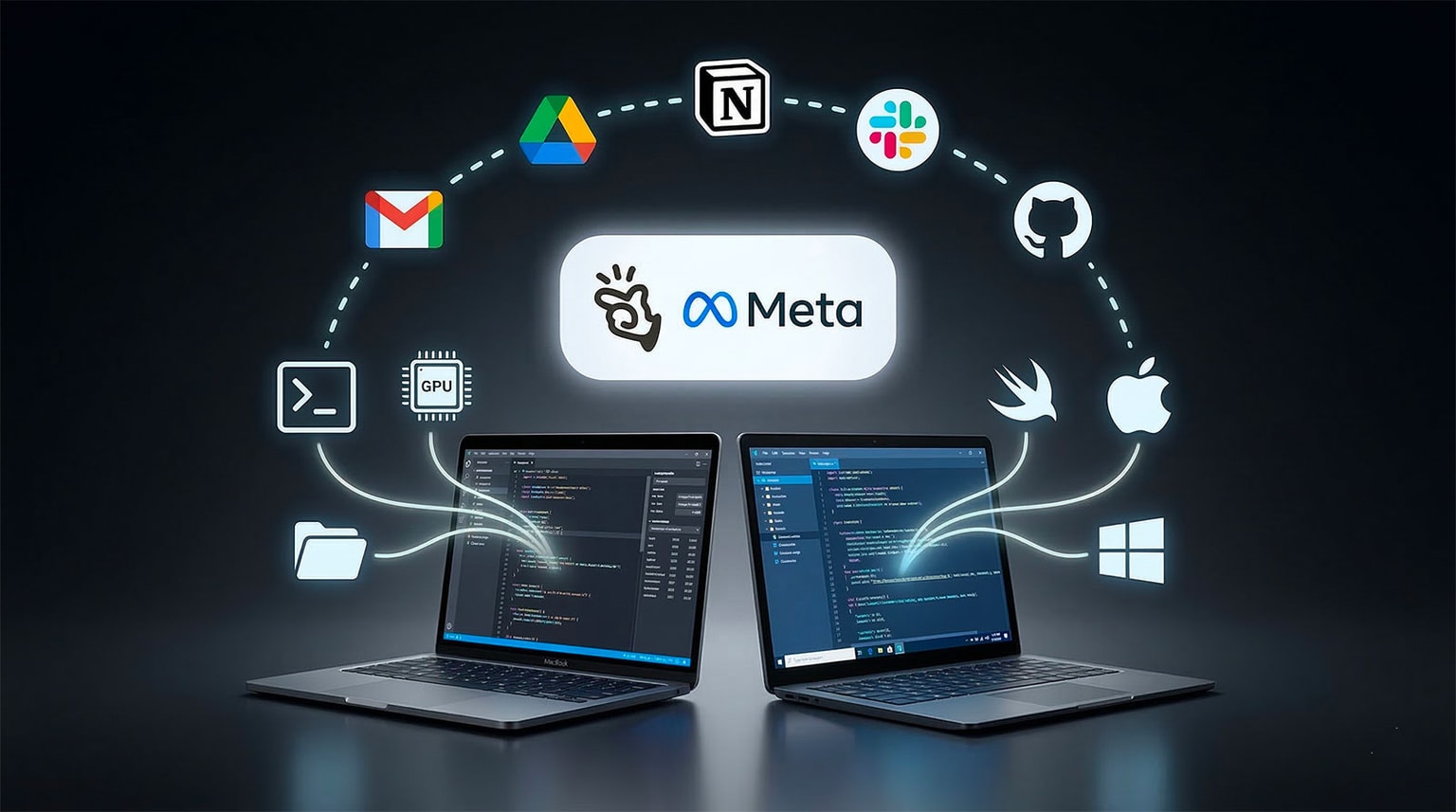
On March 16, 2026, Manus crosses a major threshold. Previously confined to the cloud, the AI agent from Manus now installs directly on your machine with Manus Desktop and its core feature "My Computer". Both macOS and Windows are supported starting today.
From Cloud Agent to Local Agent: What Changes?
Before Manus Desktop, the AI agent lived in the cloud. It browsed the web, queried APIs, and generated documents. But it couldn't touch your machine.
With My Computer, everything changes. Manus accesses your local file system, your terminal (CLI), and all your installed apps — Python, Node.js, Swift, Xcode, ffmpeg, and more.
In practice, the agent can:
- Read, modify, and create files on your local disk
- Execute commands directly in your local terminal
- Use your installed development tools
- Leverage your local GPU for ML inference or training
- Be controlled remotely from your phone or another device
This is the difference between an assistant that talks and one that acts.
My Computer: The Use Cases That Impress
Manus has already demonstrated several concrete use cases, detailed in the Manus official announcement.
Automatic Sorting of Thousands of Photos
Thousands of unsorted photos? Manus analyzes them, categorizes by date, location, or subject, and organizes them into structured folders. All without human intervention.
Batch Renaming Hundreds of Invoices
Invoices named "IMG_4523.pdf"? Manus opens them, extracts key information, and renames them using a standard format. Minutes instead of hours.
A Mac App Built in 20 Minutes
Manus built a real-time subtitling app in Swift in 20 minutes. Zero Xcode opened. Zero lines of code written manually. The agent handled everything through the terminal.
Local GPU for Machine Learning
No need to send your data to the cloud. Manus uses your machine's GPU to run inference or train models locally.
Always-On Mac Mini: The Idlen Philosophy in Action
Got a Mac mini sitting idle at night? With Manus Desktop, it becomes your AI assistant that works while you sleep. Accessible from any device, it runs scheduled tasks continuously. This is exactly the Idlen philosophy: activating unused resources. An idle machine becomes an INTERNAL LINK: autonomous AI agent | AI agents article on Idlen running 24/7.
Remote Access From Anywhere
From your phone, ask Manus to access your machine, find a contract on your disk, and send it via Gmail to a client. Cloud and local merge seamlessly.
Vibecoding Taken to the Extreme
INTERNAL LINK: Vibecoding | vibecoding article on Idlen — coding by intention rather than syntax — exploded with INTERNAL LINK: Cursor | Cursor article on Idlen, Claude Code, and Replit. Manus Desktop pushes the concept even further.
The agent doesn't just suggest code. It takes full control of the machine. It opens the terminal, installs dependencies, compiles, tests, and iterates. The human developer becomes a supervisor.
The Swift subtitling app proves it: 20 minutes, zero manual intervention. If an AI agent can build a native Mac app without a human touching the keyboard, the line between developer and user disappears.
Cloud + Local: The Combination That Changes Everything
Manus Desktop doesn't replace existing cloud Connectors. It complements them. Gmail, Google Drive, Notion, Slack, GitHub — all remain available and integrate with local access.
Concrete example: Manus receives an email on Gmail (cloud Connector), downloads the attachment, processes it locally with a Python script, generates a report, and pushes it to GitHub. A fully automated hybrid local + cloud workflow, with no human intervention.
| Capability | Manus Cloud | Manus Desktop |
|---|---|---|
| Local files | ❌ | ✅ |
| Local terminal | ❌ | ✅ |
| Installed apps | ❌ | ✅ |
| Local GPU | ❌ | ✅ |
| Remote access | ❌ | ✅ |
| Cloud Connectors | ✅ | ✅ |
| Scheduled tasks | ✅ | ✅ |
Security: Manus Does Nothing Without Your Approval
The legitimate question: is it safe to give terminal access to an AI agent? Manus answers with an explicit approval system.
Every terminal command requires user validation. Two modes are available:
- "Allow once": command-by-command validation
- "Always allow": extended trust for repetitive tasks
No silent execution. The user retains full control at all times. It's a powerful agent, but a supervised one.
Key Takeaways
- Manus Desktop installs Meta's AI agent directly on macOS and Windows
- The My Computer feature grants access to local files, terminal, and GPU
- A native Mac app in Swift was built in 20 minutes with zero code written
- Cloud Connectors (Gmail, Drive, Notion, Slack, GitHub) integrate with local access
- Every terminal command requires explicit user approval
If an AI agent can access your machine, your terminal, and all your apps — what still distinguishes a human developer from an autonomous agent in 2026? The answer may lie less in the "what" than in the "why."


